TermsFeed Alternatives: 4 Tools Compared (2025)
- Vikas Thakur
- Comparisons , Legal Tools
- 10 Sep, 2025
TermsFeed has been around since 2012. It helped a lot of small businesses get their first privacy policy up, and that counts for something. But in 2025 the pricing has climbed, the interface hasn’t kept up, and there are better options depending on what you need.
This post breaks down four alternatives - what they do well, what they don’t, and what each one will cost you.
What to look for in a legal document generator
Before you pick a tool, decide what matters to you:
- Document coverage - Do you just need a privacy policy, or do you also need T&Cs, a cookie policy, a disclaimer, and a refund policy?
- Compliance - GDPR, CCPA, CalOPPA, PIPEDA. Does the generator cover the jurisdictions your users are in?
- Hosted vs. download - Some tools host the document for you (easier to update). Others give you a file to paste somewhere.
- Price - Generators range from free to $30+/month. One-time purchases also exist.
- Customization - Template-style output vs. a full wizard that asks about your specific data practices.
1. Terms and Conditions Template
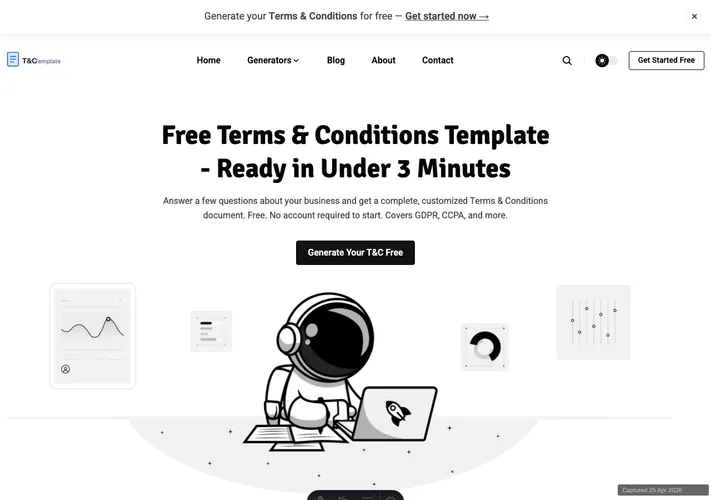
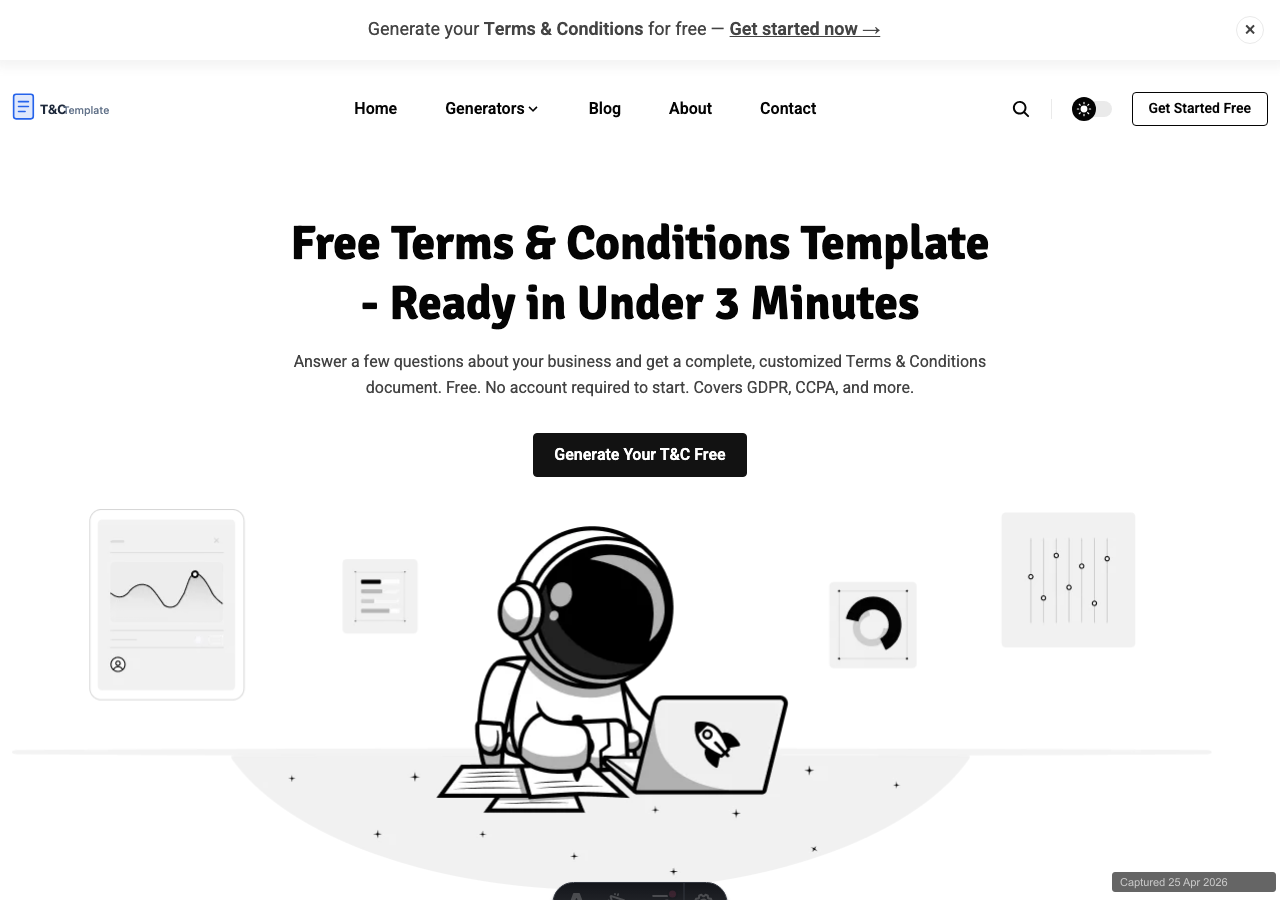 Terms and Conditions Template — all your legal documents in one place
This is our tool, so take this with that in mind. We built it because we wanted a generator that is fast, covers all the documents a small business actually needs, and doesn’t charge per document or require a monthly fee just to keep your policy live.
You answer a short set of questions about your business. We generate a privacy policy, terms and conditions, cookie policy, disclaimer, refund policy, and more in plain English - GDPR and CCPA compliant and ready to publish.
 All document types available in one place - no hunting across different tools
Pricing: Free to generate. Paid plans unlock document hosting, PDF export, and additional document types.
Pros:
- All documents in one place, no per-document fees
- Fast - most generators complete in under 2 minutes
- No recurring fee just to keep your document live
- Plain English output, not dense legalese
Cons:
- Newer than TermsFeed and Termly - less brand recognition
- No automatic cookie scanning (you configure that separately)
Best for: Freelancers, small businesses, and SaaS founders who need multiple documents without a subscription or per-document billing.
2. Termly
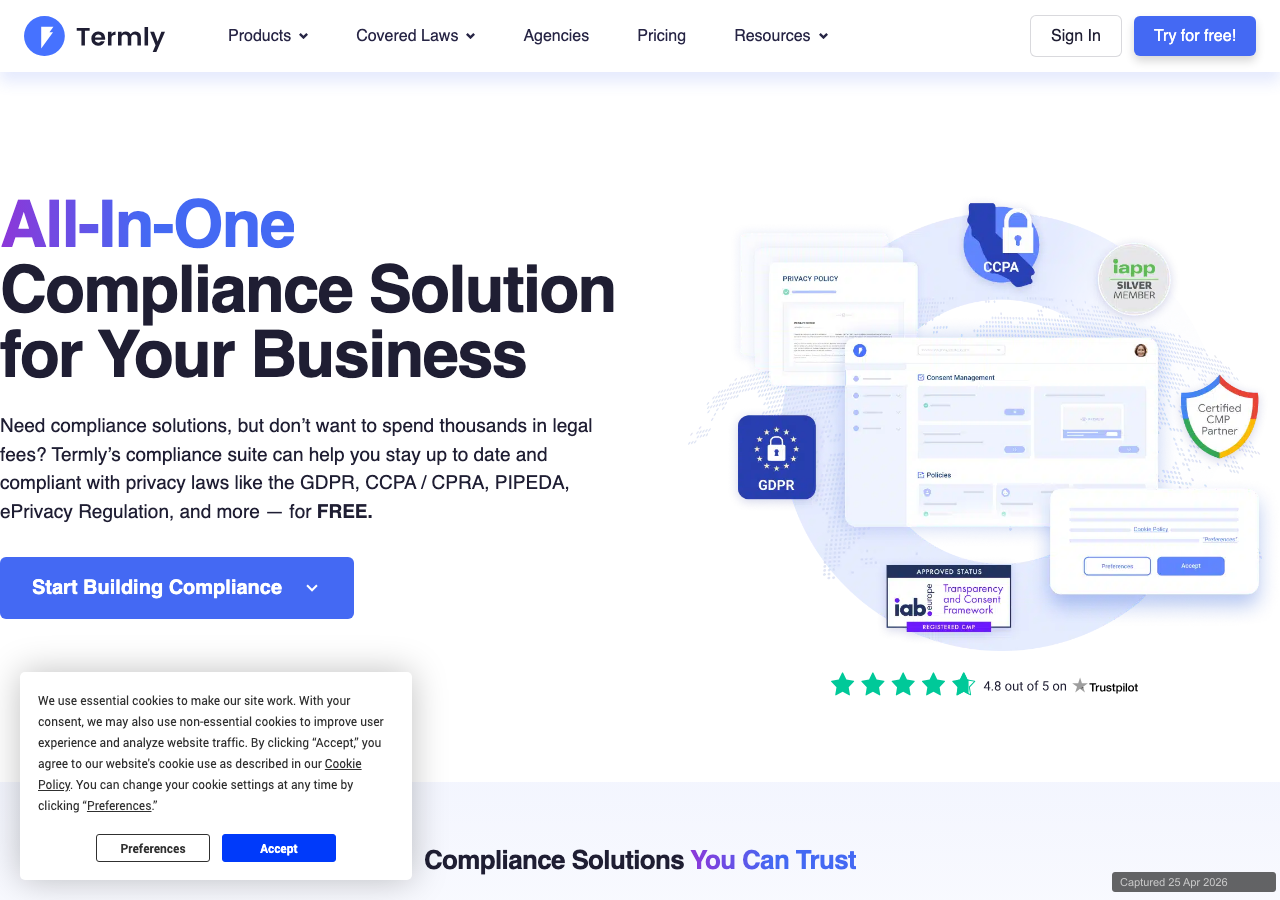 Termly — clean interface, free plan available
Termly entered the market later than TermsFeed and came in with a modern interface. Their free plan lets you generate and host a privacy policy and T&C with basic coverage.
 Termly pricing — free tier available, pro unlocks compliance scanning
Pricing: Free plan available. Pro starts at $14/month or $10/month billed annually. Pro adds cookie consent management, compliance monitoring, and custom branding removal.
Pros:
- Genuinely useful free tier
- Clean, modern UI
- Cookie consent banner included in paid plans
Cons:
- Free plan documents carry Termly branding
- Pro features (like compliance scanning) require a recurring subscription
- More complex than most small sites need
Best for: Businesses that want a one-stop tool for compliance and are willing to pay a monthly fee.
3. iubenda
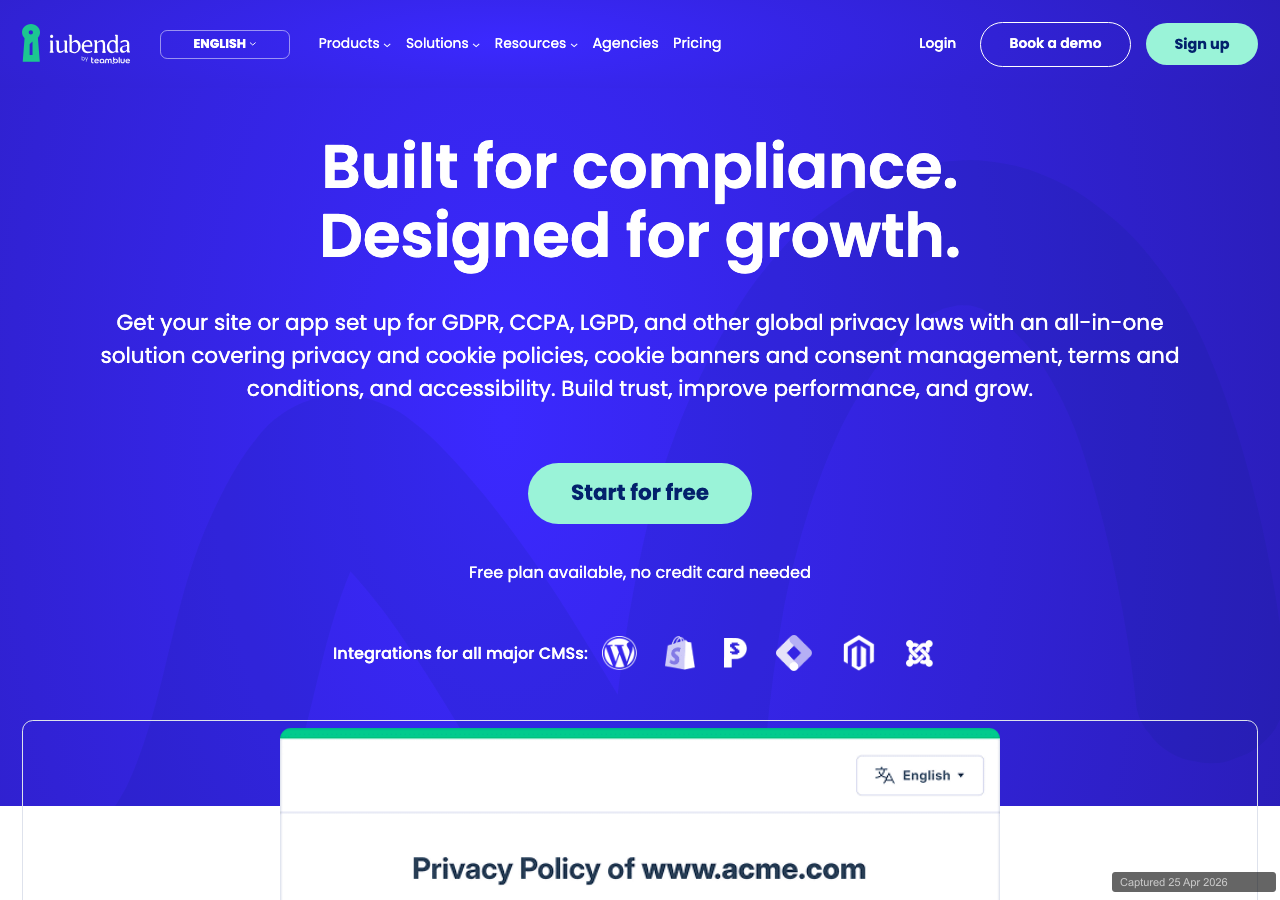 iubenda — strong GDPR focus, legal team maintains the documents
iubenda takes a different approach. Their policies are modular - you pick the services you use (Google Analytics, Stripe, Mailchimp, etc.) and iubenda generates a policy that specifically covers those integrations. A team of lawyers keeps the underlying clauses updated.
Pricing: Free tier for basic policies. Pro starts at around $27/year per site, with higher tiers for cookie consent and full GDPR toolkits running $49-$129/year.
Pros:
- Integration-specific clauses (not just generic text)
- Legal team maintains compliance as laws change
- Strong GDPR and CCPA coverage
Cons:
- Free documents show iubenda branding
- Pricing adds up if you need multiple compliance products
- Less intuitive for first-time users
Best for: EU-based businesses or any business with a large number of third-party integrations.
4. CookieYes
 CookieYes — primarily a cookie consent tool, also offers policy generation
CookieYes is primarily known as a cookie consent management platform. They scan your site, detect cookies, and manage consent records. Policy generation is a secondary feature.
Pricing: Free plan available for up to 25,000 page views/month. Paid plans start at $10/month and scale by traffic.
Pros:
- Best-in-class cookie scanning and consent management
- Auto-updates cookie policy when new cookies are detected
- Integrates directly with your site via a JavaScript snippet
Cons:
- Policy generation is secondary to consent management
- Traffic-based pricing can get expensive at scale
- Overkill if you just need a document and not a consent banner
Best for: Sites that need active cookie consent management and want policy generation bundled in.
Side-by-side comparison
| Tool | Free tier | Hosted docs | Cookie consent | GDPR/CCPA | Pricing model |
|---|---|---|---|---|---|
| Terms and Conditions Template | Yes | Yes (paid) | No | Yes | Flat rate |
| Termly | Yes (branded) | Yes | Yes (paid) | Yes | Monthly/annual |
| iubenda | Yes (branded) | Yes | Yes (paid) | Yes | Annual per site |
| CookieYes | Yes | Limited | Yes | Yes | Monthly, by traffic |
| TermsFeed | No | Yes (paid) | No | Yes | Per document |
Which one should you pick?
- Just starting out, tight budget: Start with Terms and Conditions Template or the free tier on Termly. Both get you a usable privacy policy and T&C at no cost.
- EU business with complex integrations: iubenda. The integration-specific clauses are worth the annual fee.
- You need a cookie consent banner: Termly or CookieYes. Both handle consent records for GDPR compliance.
- You need multiple documents without a monthly fee: Terms and Conditions Template. One payment, all your documents.
- You prefer paying once per document: TermsFeed still works for this model, but the per-document pricing adds up if you need more than one.
No generator replaces a lawyer for complex legal situations. But for most small sites, apps, and SaaS products, a quality generator covers the basics at a fraction of the cost. Pick the one that fits your workflow and budget - and get it live today.